Backup & Restore
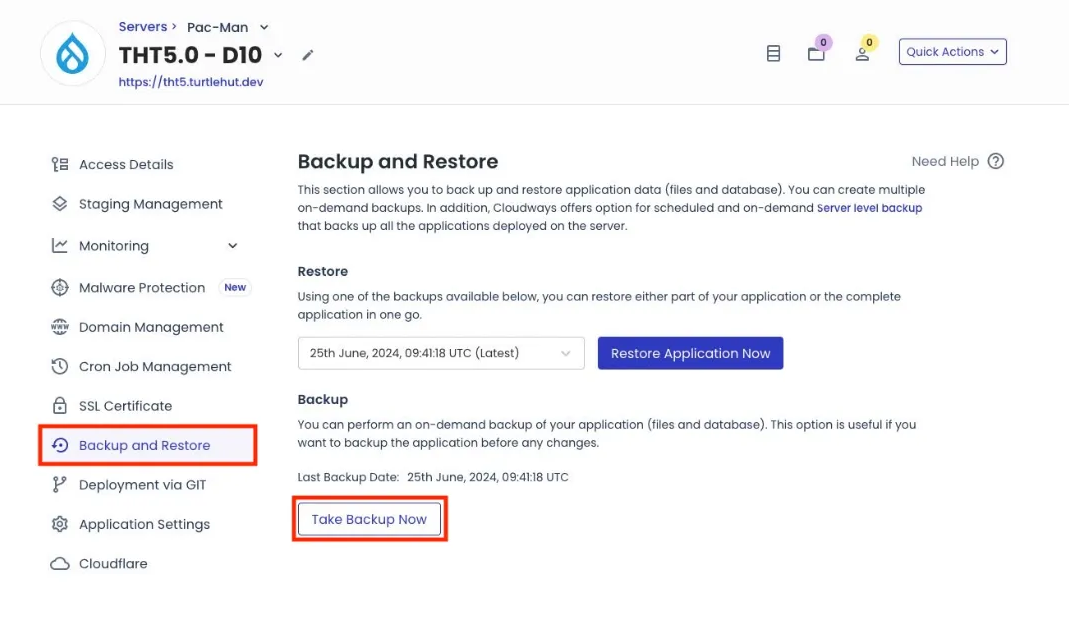
Creating a Backup
- Navigate to the application dashboard.
- Select Backup and Restore from the left navigation menu.
- Click Take Backup Now to initiate the backup process.
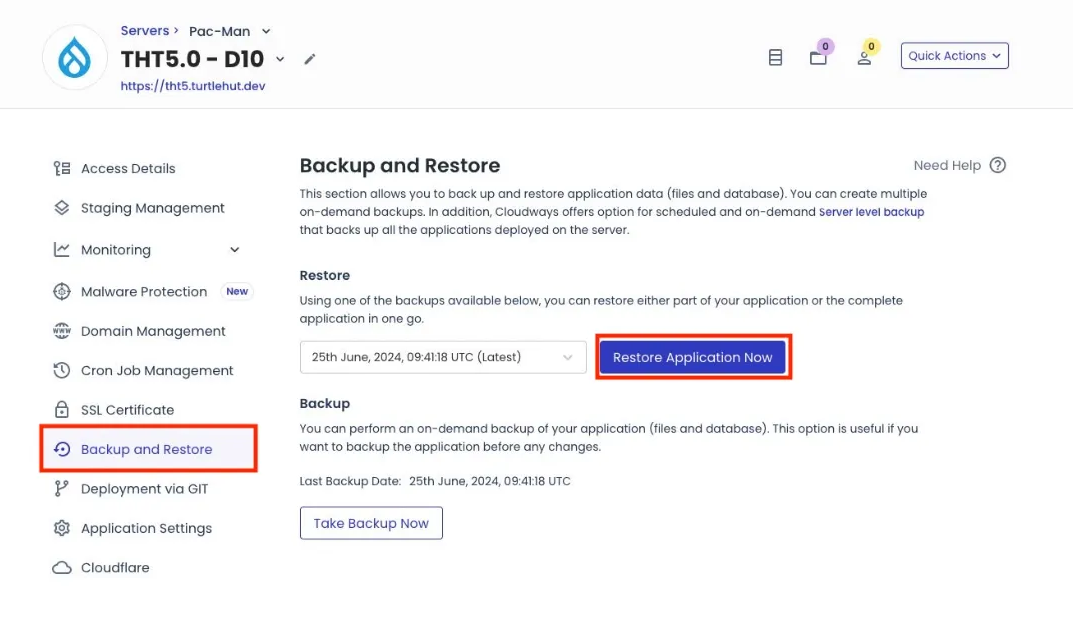
Restoring from a Backup
- Navigate to the application dashboard.
- Select Backup and Restore from the left navigation menu.
- Click the dropdown menu to select the appropriate backup version.
- Select the backup and click Restore Application Now.
Last Updated: 9/18/25