Creating "Places" Artwork
- Upon receiving a new ticket for Places artwork, open the Places Illustrator template file.
- Use the website hero image as the cover photo and add the client's logo.
- For both profile image squares, place the logo with an appropriate background.
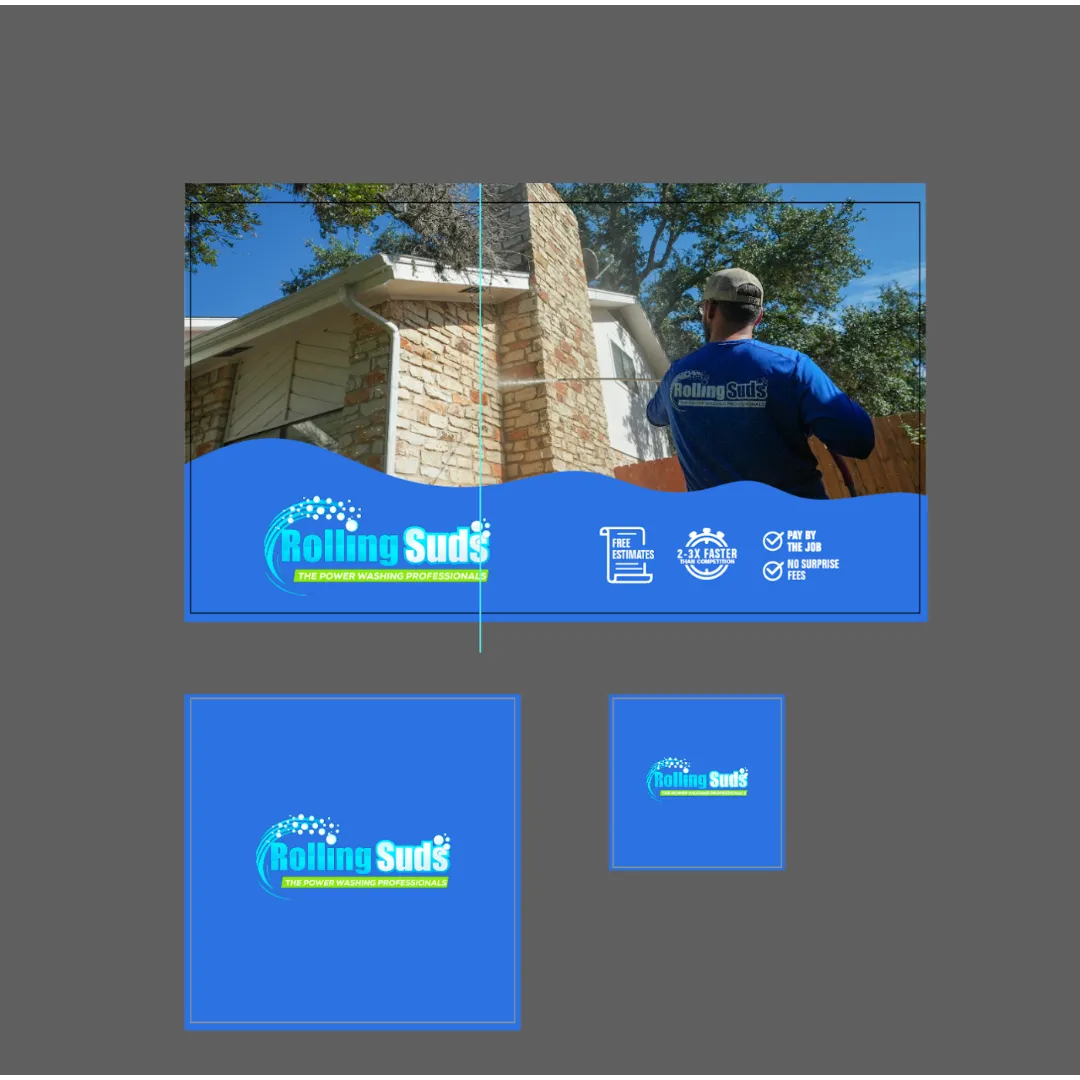
- Export the images as individual JPG files.
- Upload the JPGs to Visuals > Output Files > Graphics > 01_Places.
- Share the link with the ad manager and copywriting team.
- Add the link to the ticket comments and close the ticket.
Last Updated: 9/18/25