Staging Sites
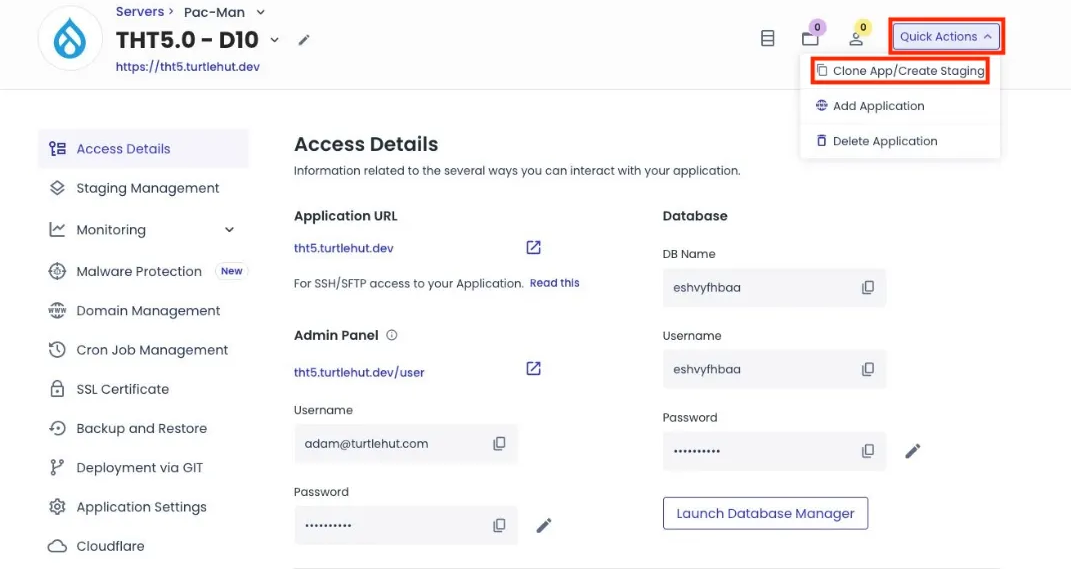
Create a staging site when implementing large-scale changes to a live site.
- Navigate to the application dashboard.
- Select Staging Management from the left navigation menu.
- Click the Push button to create a staging site, which copies data from the live site to the newly created staging environment.
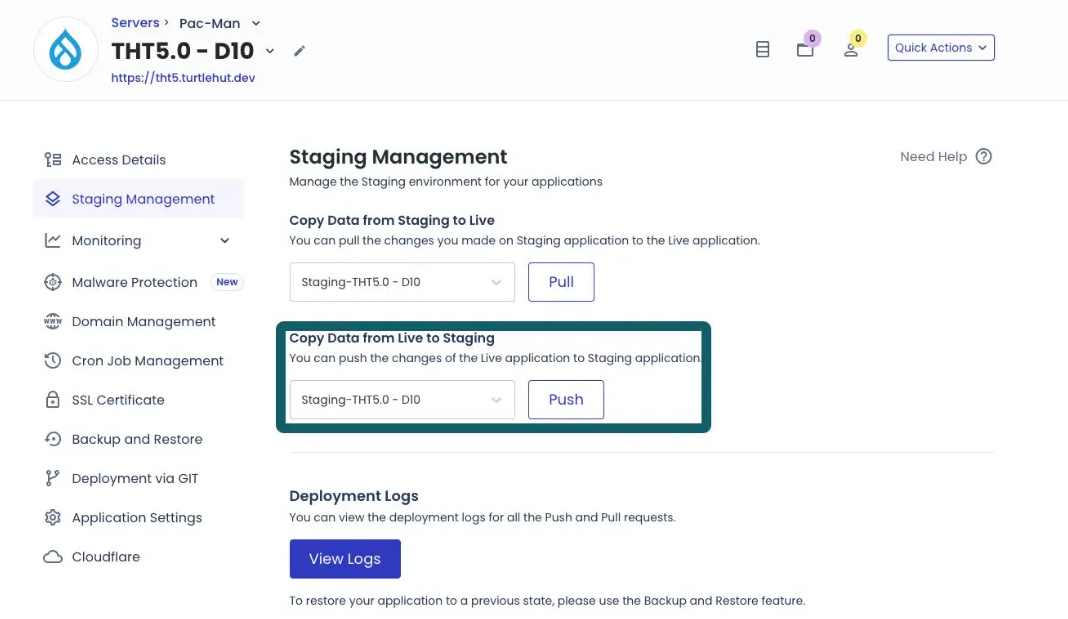
- After completing and testing changes on the site, follow steps 1–2, then click the Pull button to apply changes from the staging site to the live site.
Last Updated: 9/18/25