Updating This Documentation
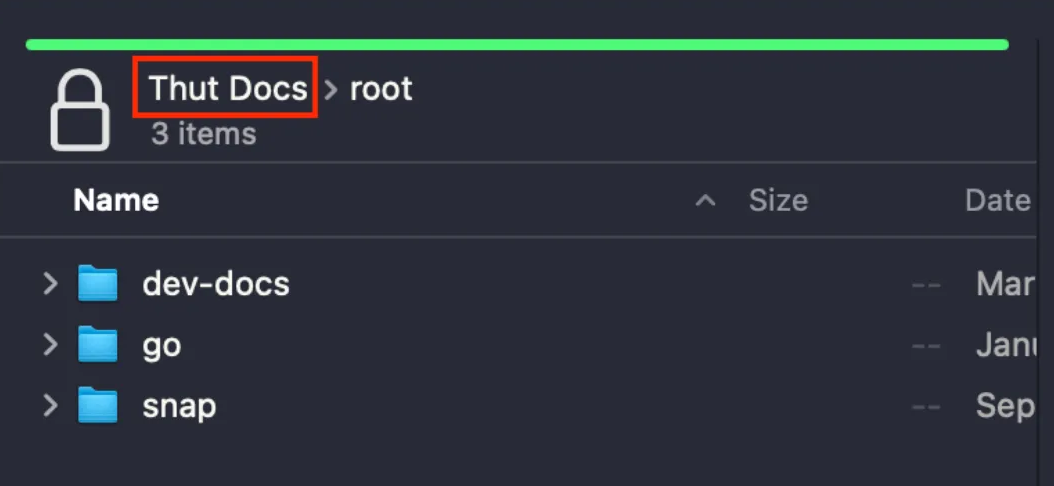
- Log in to the backend via FTP:
Note: You'll be automatically put into the root folder. Click Thut Docs at the top of your FTP client, then go to var > www > html.

- Edit the markdown documentation files in the docs directory as needed.
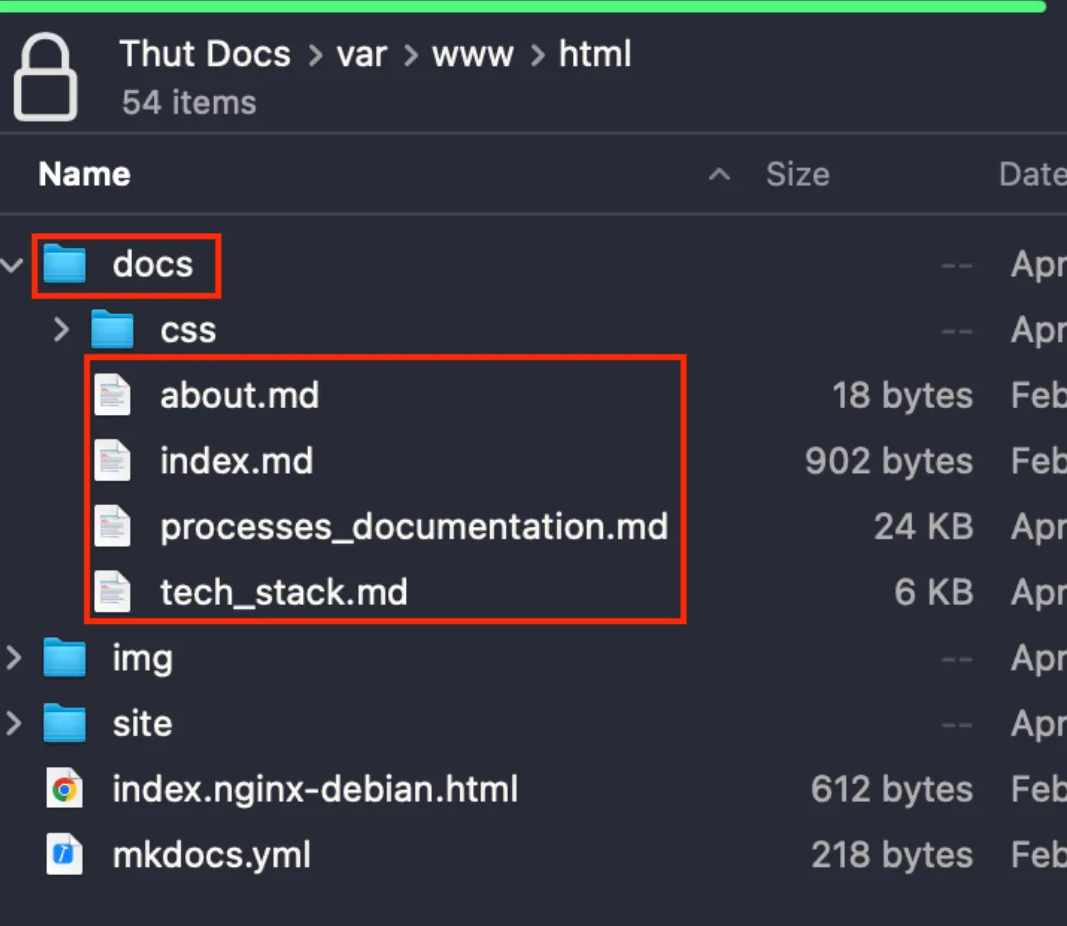
- Add any images to the img directory.
- After making updates, log in to the server terminal:
ssh root@142.93.196.115 - Navigate to the HTML directory:
cd /var/www/html - Run the following command to rebuild the documentation site:
mkdocs build - Refresh the live site and verify your changes are visible.
Last Updated: 9/18/25